VR Tuned iFlash Software Download
Vivid Racing was acquired in May 2025 and no longer offers or supports VR Tuned products. For Tuning Box Kits, please contact Racechip.us for support or warranty. For ECU Tuning, any customer that needs to flash back to stock is advised to follow the instructions on our Installation link. For Mail-In ECU flash customers you will need to visit your local dealership and have them program your vehicle to stock. If you do this, we cannot reflash your ECU after. No Exceptions. Sorry!
ECU SOFTWARE EXPIRES EVERY Dec 31 requiring it to be RE-DOWNLOADED. If your software has expired, visit www.my-iflash.com to download. If this doesnt work, nothing we can do as the software was not ours.
Software Tips Per Make
| Screen Shot |
Flash Client Download |
Special Notes |
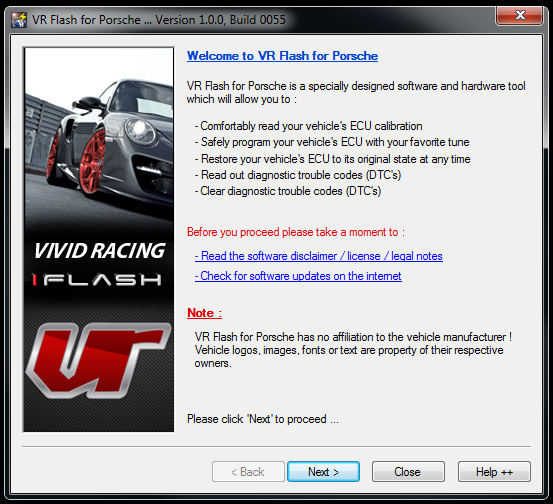 |
Porsche Flash Client |
- 997.2 Turbo, Carrera Choose SDI3
- 987.2 Cayman Boxster Choose SDI3
- 957 Cayenne Choose SDI4
- SDI3 | SDI4 ECU READ FULL FILE.
- 997.2, 987.2, 957 09-12 DFI cars… After flashing the new tune, please perform the throttlebody adaptation.
- 997 Turbo 07-09 cars choose ME7.8.x Read FULL Data
- 997.2 GT3 & GT3RS 2010-2012 ME7.8.x Choose FULL Read Out.
- 996 Turbo cars choose ME7.x (1024KB)
- 996 Carrera choose ME7.x (1024Kb)
- 996 GT3 Choose ME7.X (1024KB)
- 987.1 Cayman Boxster and 997.1 Carrera choose ME7.8.min
- 955 Cayenne use the VAG download below (same ECU as the Touareg)
- If your car is not listed here, go to the product page as it will have the ECU type.
- If your read out is only 64kb or not a full file, you cannot use this to flash back to stock. Contact us so we can provide you a FULL original file.
|
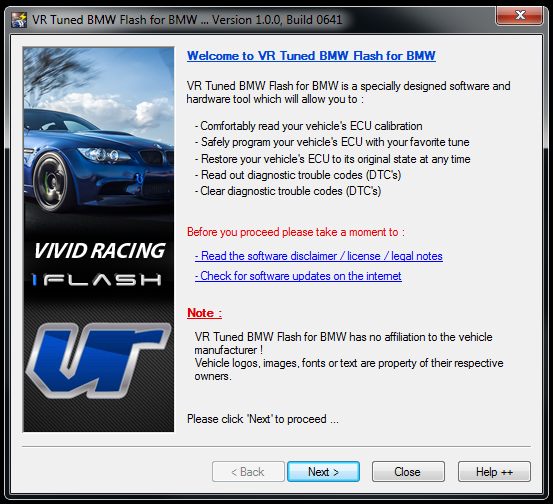 |
BMW | Mini Flash Client |
- BMW F Series Use these Instructions and “make sure the ignition is on. Make sure your fuel gauge is up and the motor is OFF. Plug in your driver seat belt before flashing.”
- BMW M3 MSS60 and MSS65 Read FULL Program
- BMW M3 S54 Read Calibration Only
- BMW M5 V10 MSS65 Read FULL Program
- Mini DO NOT flash back to stock file. Not a full file and will corrupt ECU.
|
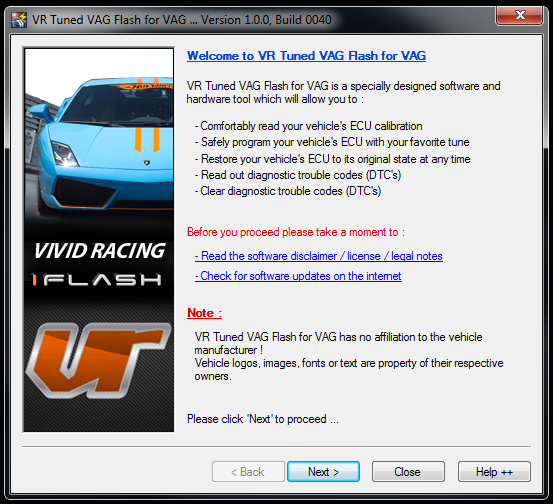 |
Audi, VW, Lambo (VAG) Flash Client |
- If your ECU has been flashed previous, this will not work! You will need to have the ECU flashed back to stock or have factory firmware.
- If you get a ECU Security Timeout Error, that means the ECU has blocked you from reading. Close the flash client and leave the key in the ON Position for 20 minutes without interuption. After 20 minutes just start the flash client and try to read.
- Audi R8 2012-2015 MED9.1.2 – You must select FORCE Programming of Slave and FORCE WRITE. The ECU will write about 50% and fail giving you an error. When you see the error. DO NOT TOUCH ANYTHING. Hit OK, click program ECU Memory, and select the file again. When it fails its switching between the first ECU and the Second in the car. If it fails again, repeat the process and hit Program ECU Memory.
- Audi RS4 or RS with V8 engine choose ECU Green Oak x2
- Bentley 04-07 uses ME7.x.x 1024KB
- Bentley 08-11 can only ben bench flashed.
- Bentley 12-18 use MED17 TC1797
- Bentley GT W12 – Use Force Read and Force Write
- Bentley Flying Spur W12 – ME7.1.x 1024kb x2 ID only will not read
- Huracan use MED17 x2
- 955 Cayenne before clicking Read or Program ECU, select Software Options and choose Force Read or Force Write for the process you are doing.
- MED17 – Use Force Read in Software Options
- DEVICE Error Screen (Like This) – Use Force Read in Software Options
|
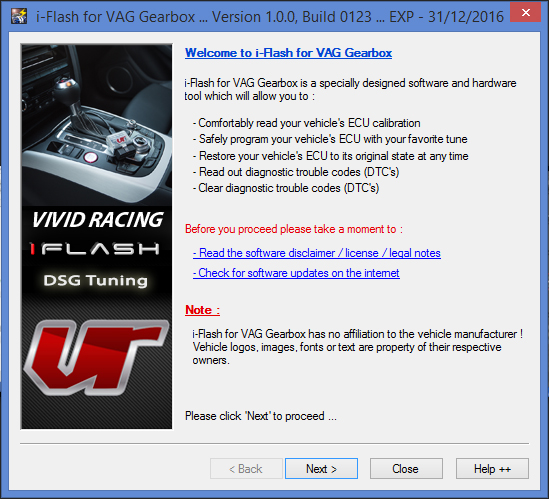 |
DSG Gearbox Flash Client |
- ID only via OBDII Port. Once you go to the screen that shows your ffirmware number, please take a screenshot.
- DSG DQ250 Cxx you can read via the OBDII port.
|
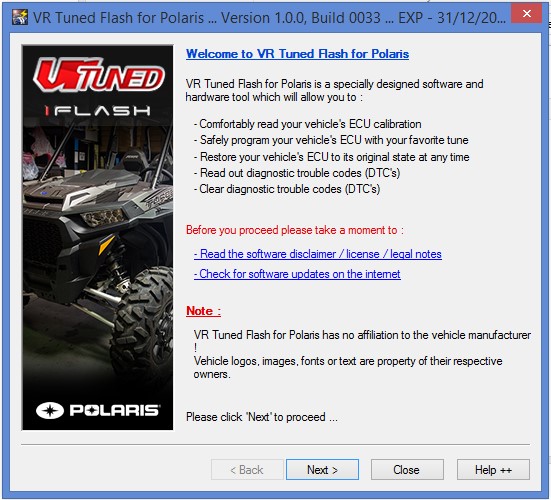 |
Polaris Flash Client |
- Read only via OBDII Port.
- For those with the Dynamix package, you need to unplug the the speedometer cluster and ride command module before flashing.
|
 |
Canam Flash Client |
- ID only via OBDII Port. Once you go to the screen that shows your firmware number, please take a screenshot.
|
| |
|
- 2015+ Focus ST use MED17 768KB
- 2013-2014 Focus ST use MED17 384KB
- 2017+ Ford Raptor Read Calibration Data ONLY 768KB
|
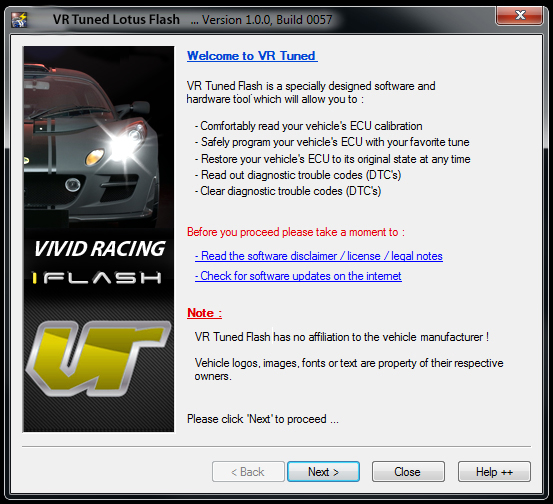 |
Lotus Flash Client |
- The Lotus cannot be read directly. Please connect the cable to the car and follow the next next next prompts. You can try to read memory. If that does not work, take a screen shot of the flash client showing the Software Number after you identify the ECU type. Email the software number and/or screen shot. Once we receive this, we will be able to get a stock file to tune and send back to you to flash as normal.
|
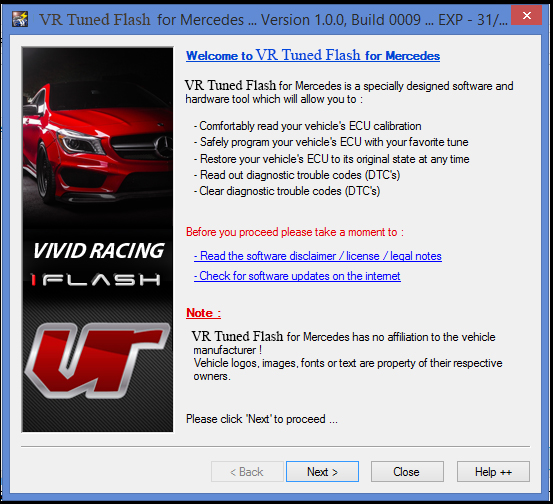 |
Mercedes Flash Client |
- ME9.x 2mb Size File
- MED17 is a ID only. At the screen that shows your software number and info, take a screenshot and upload it. Same process as doing a DSG flash.
|
 |
XDEVICE Tool Kit |
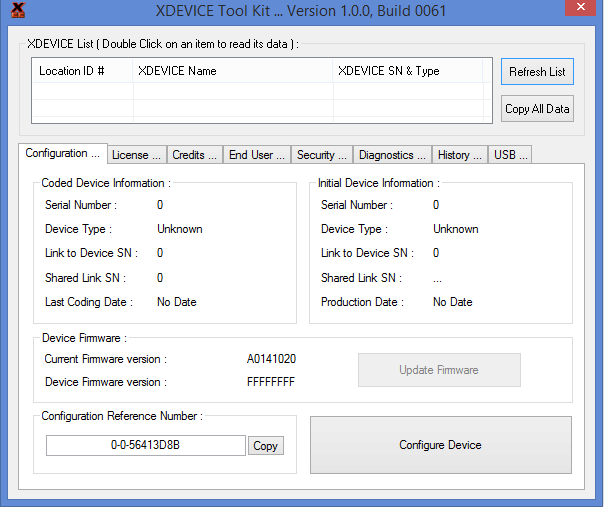
- If you have messed up your cable by selecting the wrong ECU type or have a VIN issue, please download this XDEVICE Tool Kit.
- With the cable plugged into the computer, double click on the top REFRESH LIST. It will then populate a cable (Vivid Flash). Double click on this.
- Once this loads, then chose the horizontal tab that says END USER.
- At the bottom of the screen is a “Configuration Reference Number”. Click the COPY button.
- Now open your email and paste this into the email and send.
|


.jpeg?q=90&p=thumb&w=200&h=200)









.jpeg?q=90&p=thumb&w=40&h=40) Brakes
Brakes  Driveline
  Electronics
  Handlebars & Controls
  Package Deals
  Wheel Accessories
  Wheels by Vehicle
  Tools and Maintenance
  Universal & Repair
  Vivid Racing Gear